GenseeAI was built on top of a powerful OpenClaw-based workflow. For users who are already familiar with that model, it offers a flexible and capable way to run serious AI workflows.
But we also knew that for people who are newer to the OpenClaw ecosystem, less technical, or simply not interested in learning system concepts first, the path into GenseeAI could feel harder than it needed to.
Before they could get to useful work, many users first had to make sense of concepts inherited from the original OpenClaw workflow: instances, sessions, files, controls, backend job status, and more.
Today, we're introducing GenseeAI Guided Mode as a new way into GenseeAI. It is designed to help users start from their role, their task, and their workflow needs, rather than from the underlying OpenClaw structure. It creates a more approachable path into GenseeAI while still supporting the kinds of serious workflows the product is built for.
At the same time, for users who prefer the original OpenClaw workflow, Classic Mode remains available on desktop and can still be switched back to at any time.
This launch is about expanding how people can enter GenseeAI, while continuing to support the workflow that many existing users already know and rely on.
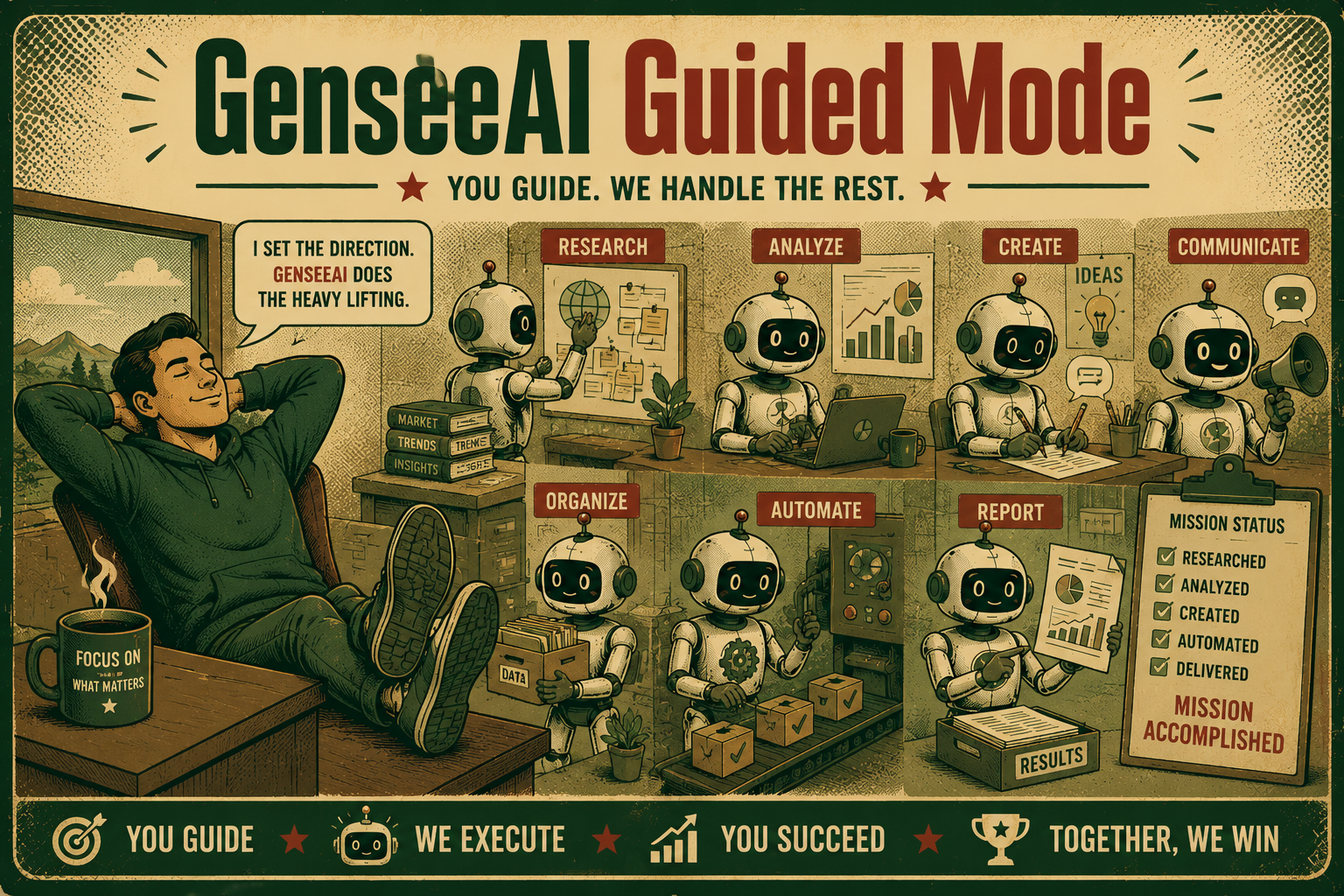
Why we built Guided Mode
We kept seeing the same pattern from both users and our own team.
People wanted AI to help with real, repeated workflows: research, trading, e-commerce, operations, content, sales, and more. They did not want to spend their first session learning product concepts before they could even get started.
We also saw a second problem: even after setup, too much of the experience still felt fragmented.
Generated files might require opening the file manager separately. Recurring jobs lived in backend status views. Refreshing or logging back in did not always drop users back into the most natural point of continuation. Mobile was useful, but not complete enough to serve as a true working surface.
In other words, the issue was not just onboarding. It was continuity.
So we rebuilt the experience around three goals:
- Make it easier to start
- Make it easier to stay in flow
- Make it easier to use across devices
That is what Guided Mode is designed to do.
1. Easier to start
The most visible change in Guided Mode is the new starting experience.
Instead of asking users to first understand OpenClaw concepts, Guided Mode starts from a simpler question:
Who are you, and what are you trying to get done?
Users can now begin from role-based agents or a task-based setup.
That means a founder, marketer, investor, developer, student, or salesperson can start from a more relevant entry point. Each role can have a more tailored setup, recommended skills, starter actions, and behavior patterns.
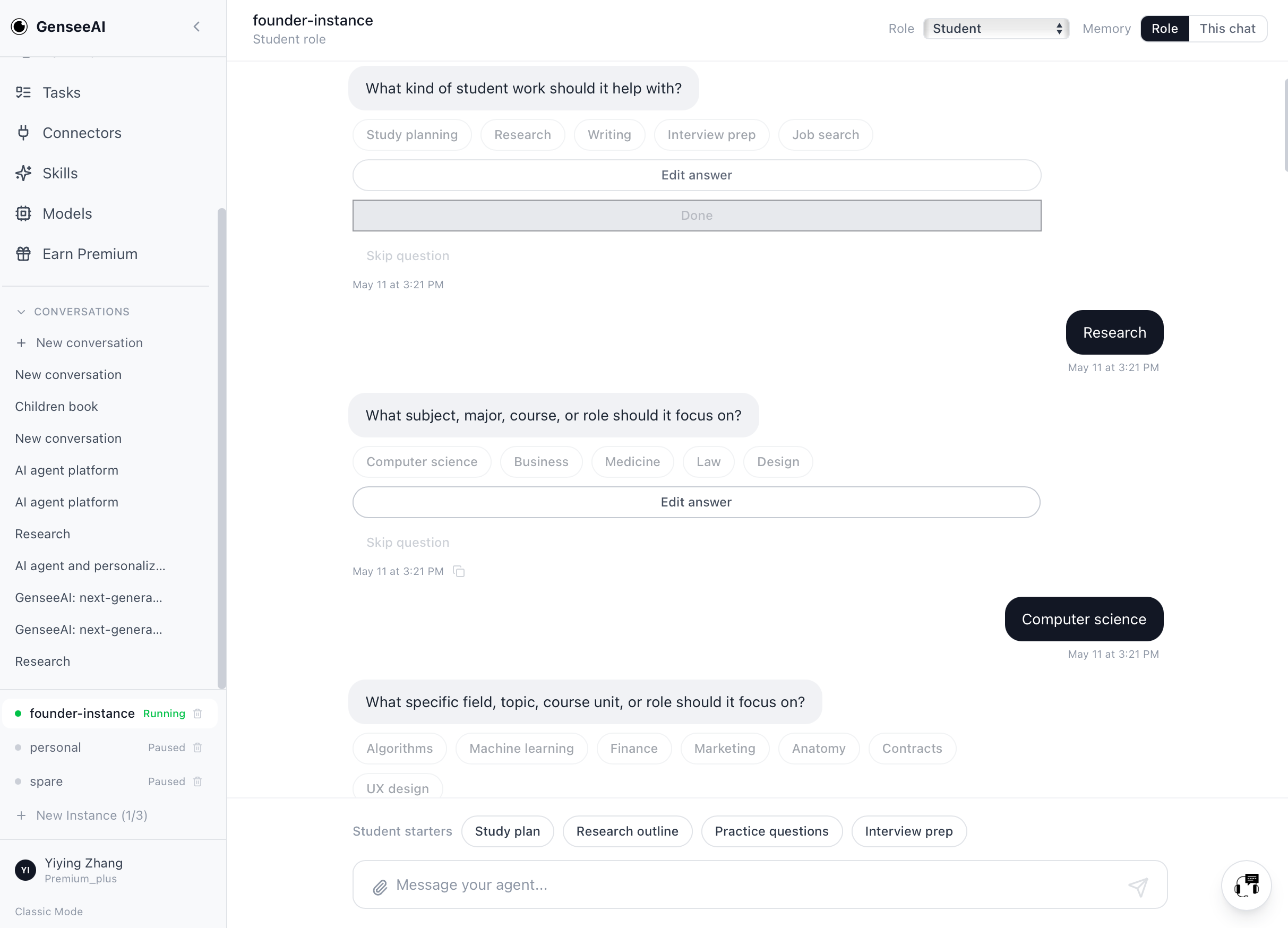
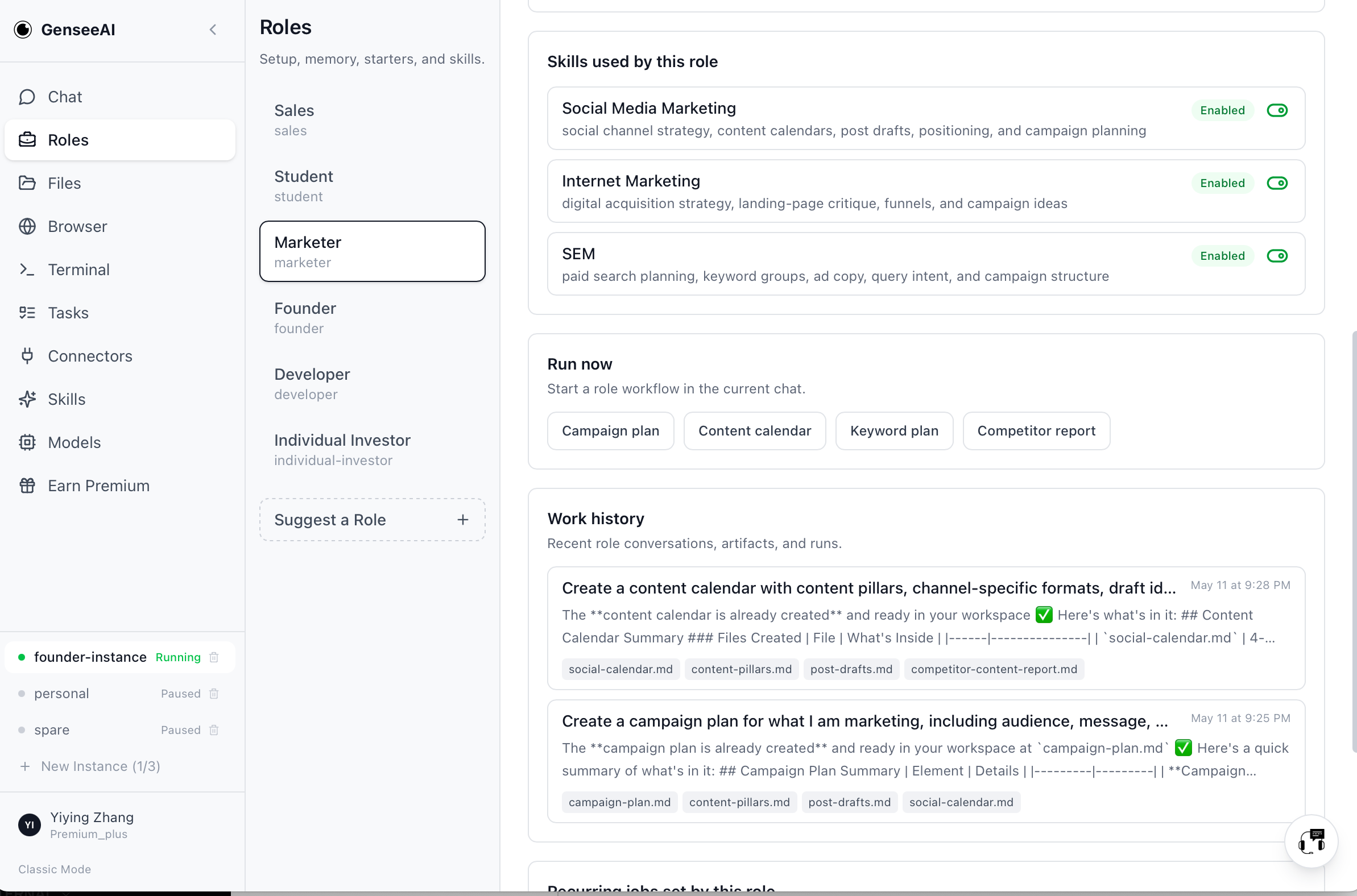
Task-based onboarding also works differently now. Instead of launching popup wizards that feel separate from the main experience, tasks now flow into the chat itself. Setup happens through guided conversation, using buttons, textboxes, skip-question logic, and a final "anything else before I start building?" step.
This makes the process feel much less like configuring software and much more like describing a goal.
Guided Mode also supports adaptive setup. Simple choices can stay fast through local branching, while typed answers can trigger more intelligent follow-up questions when more detail is needed.
The result is a better first-use experience with less friction, less confusion, and a clearer path from intent to workflow.
2. Better workflow continuity
Starting is only half the problem. The other half is continuing.
One of the biggest weaknesses of many AI products is that they still behave like isolated chats. You ask, it responds, and then the rest of the work gets scattered across tabs, files, backend jobs, or disconnected views.
Guided Mode is built around a different idea: AI workflows should feel continuous.
That is why we added:
- Persistent conversation history per instance
- Conversation switching
- New conversation creation
- Conversation deletion
- Timestamps and copy buttons
- Per-conversation agent state
This makes each conversation feel more like an actual workflow container, not just a transient chat.
We also improved restore behavior. On refresh or login, Guided Mode now returns users to the last active running instance and that instance's latest conversation. That sounds small, but it meaningfully reduces the friction of getting back into work.
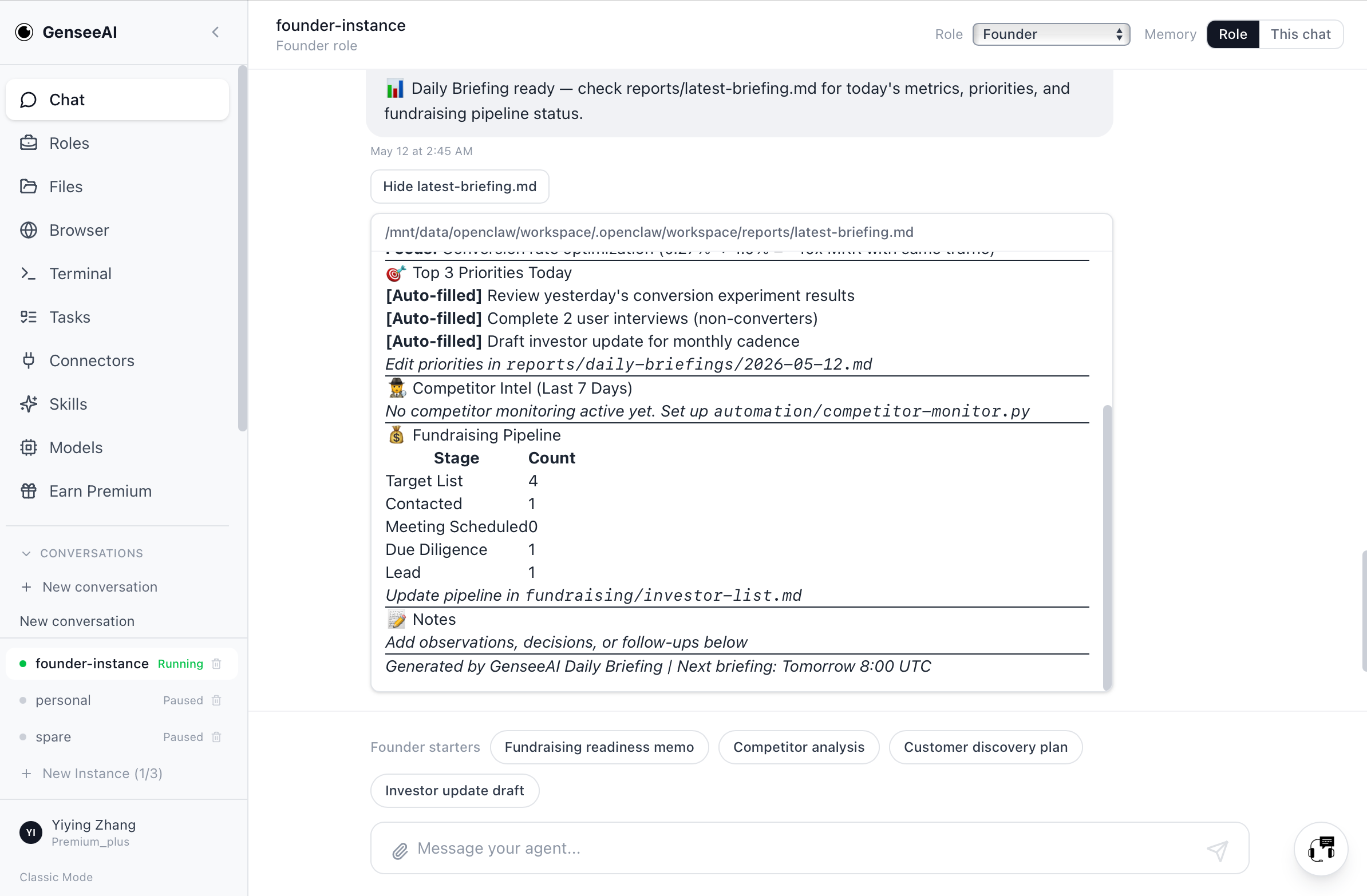
Generated outputs are more accessible too. When assistant responses mention generated .md and .html files, Guided Mode can now show preview or open actions directly, with markdown rendered in chat where appropriate. Instead of manually hunting through the file system for every output, users can stay closer to the place where the work happened.
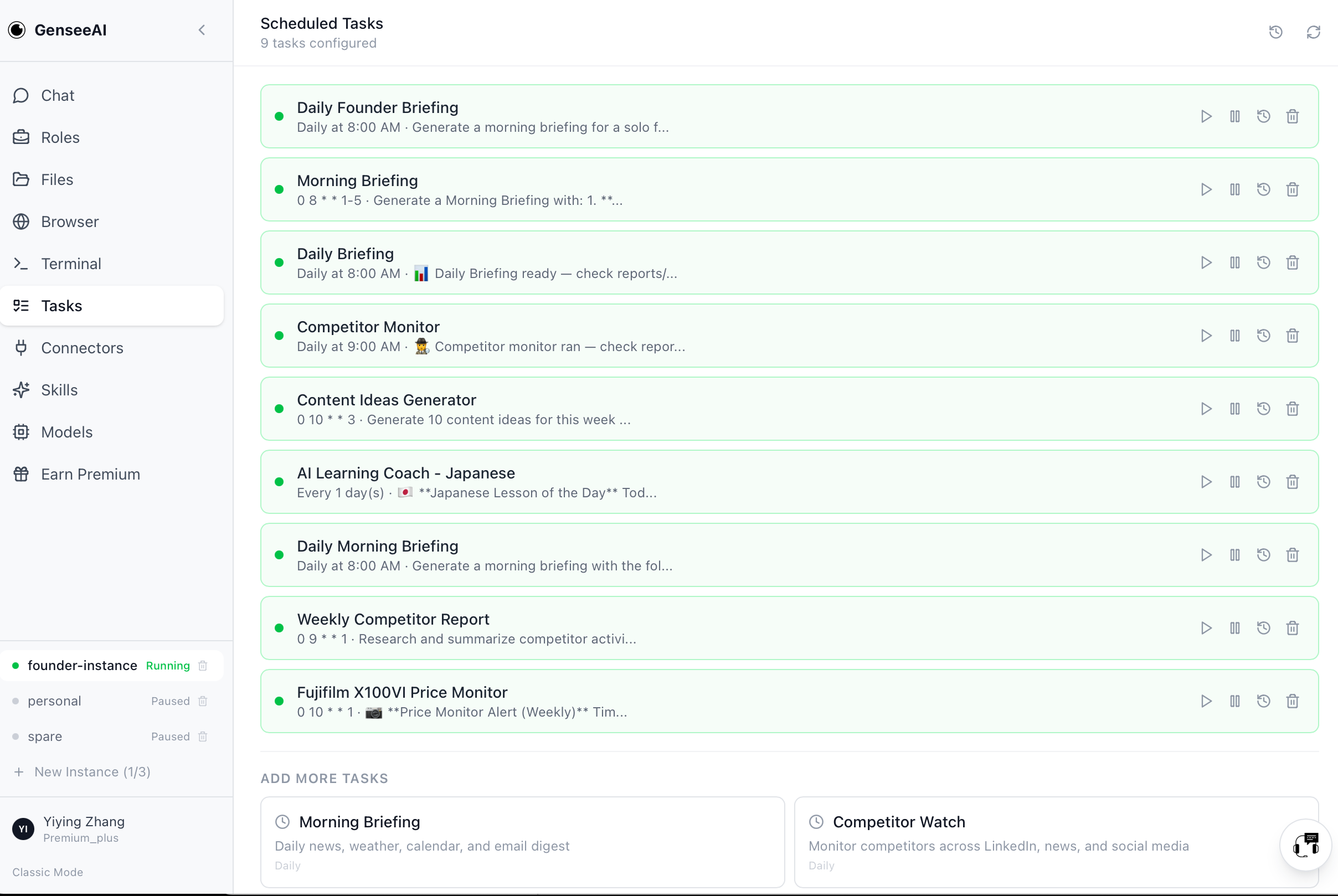
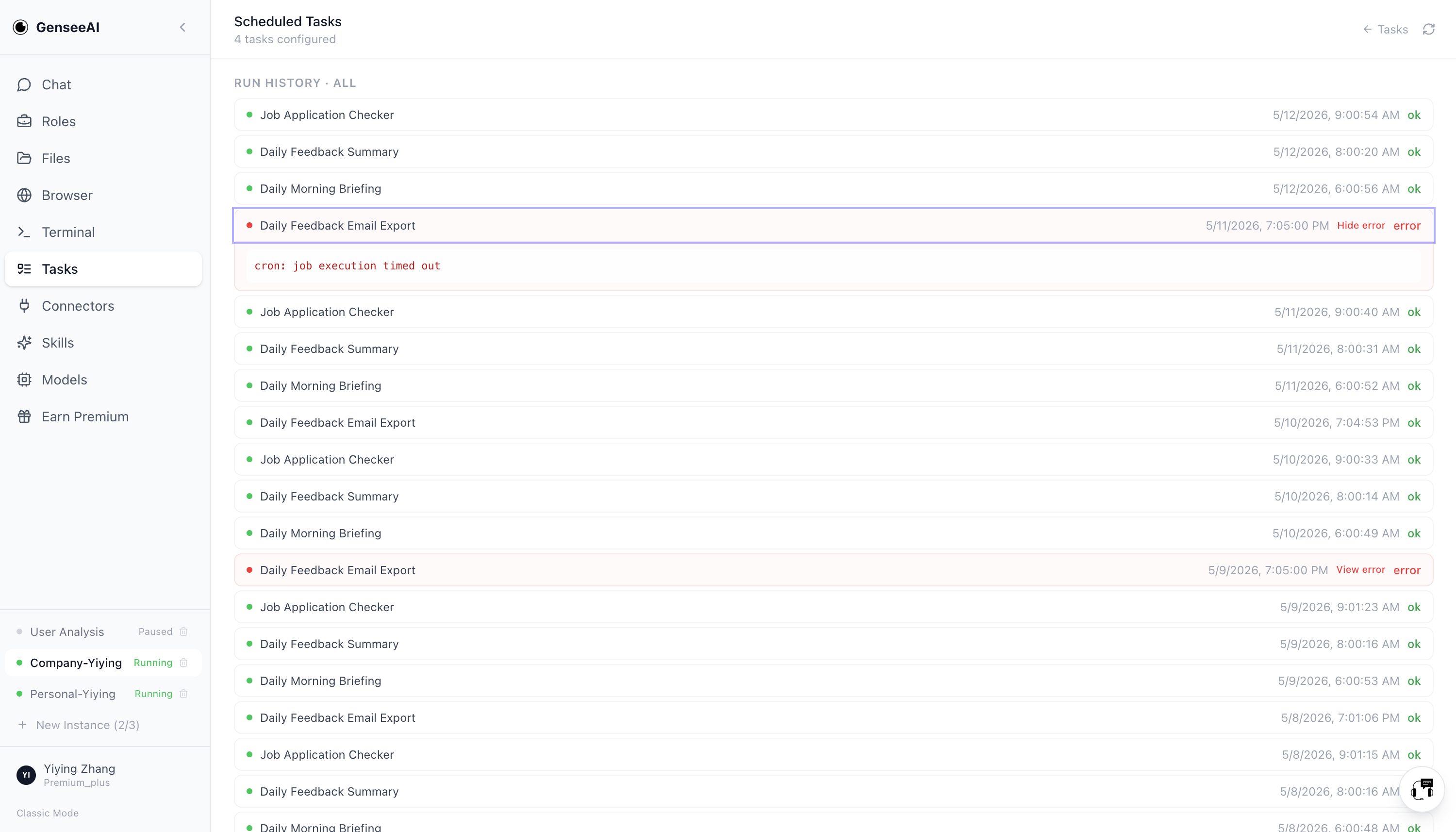
Recurring workflows are more coherent as well. Results from cron-based tasks can now appear back in guided chat, instead of being limited to backend job status. That means recurring work feels like part of the same conversation flow, not a separate system you have to monitor elsewhere.
3. More usable control across desktop and mobile
We also wanted Guided Mode to feel more complete across devices.
Guided mobile now supports a much more aligned experience, with access to conversations, agents, tasks, files, connectors, models, skills, and account views. Instead of being a read-only or limited companion, mobile becomes a more practical part of the workflow.
This matters because a lot of useful AI work begins away from a desk: a screenshot, a quick note, a file, a message, a reminder, a task you want to start while moving between places. A more complete mobile experience makes GenseeAI much more practical in those real contexts.
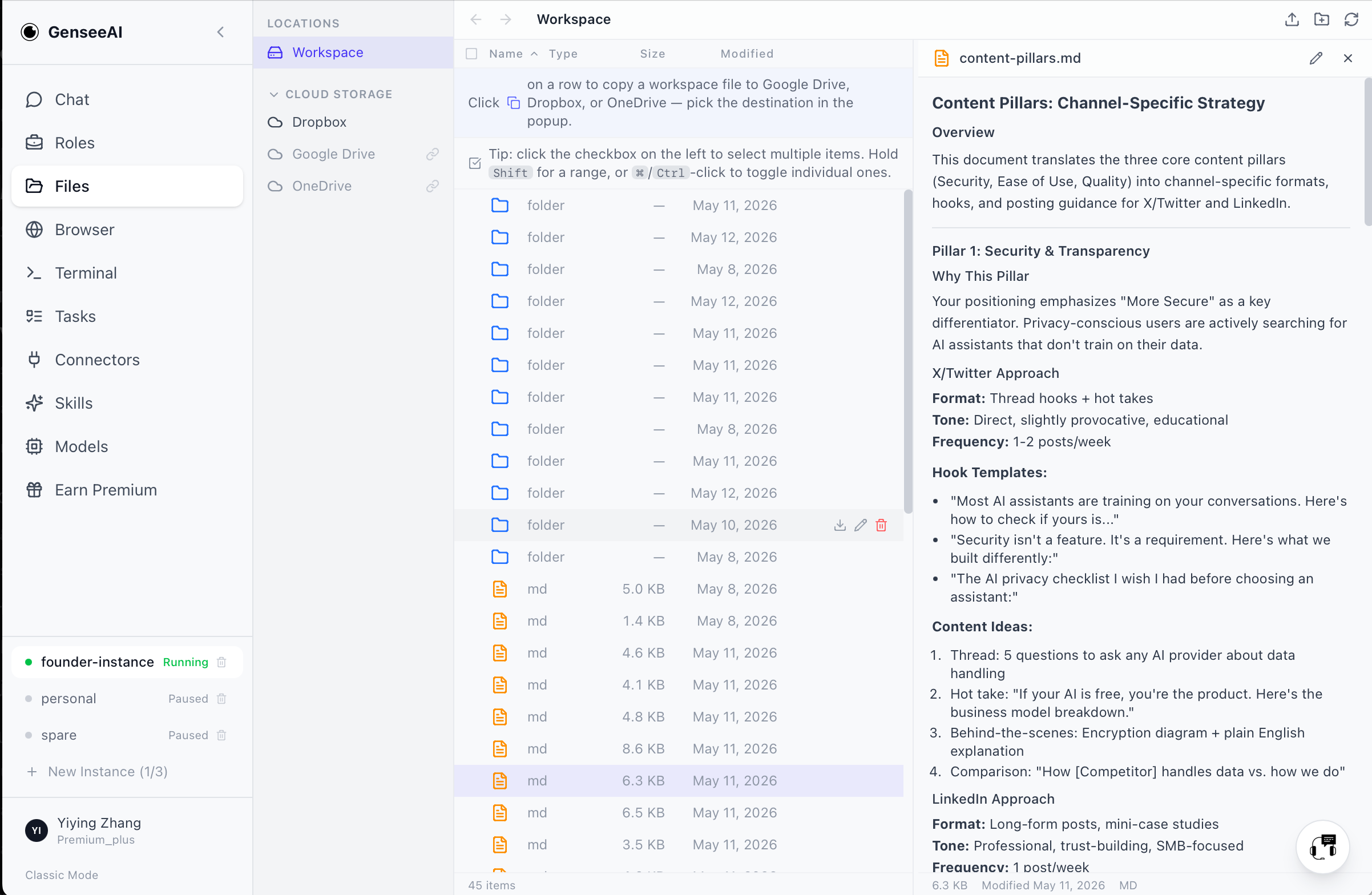
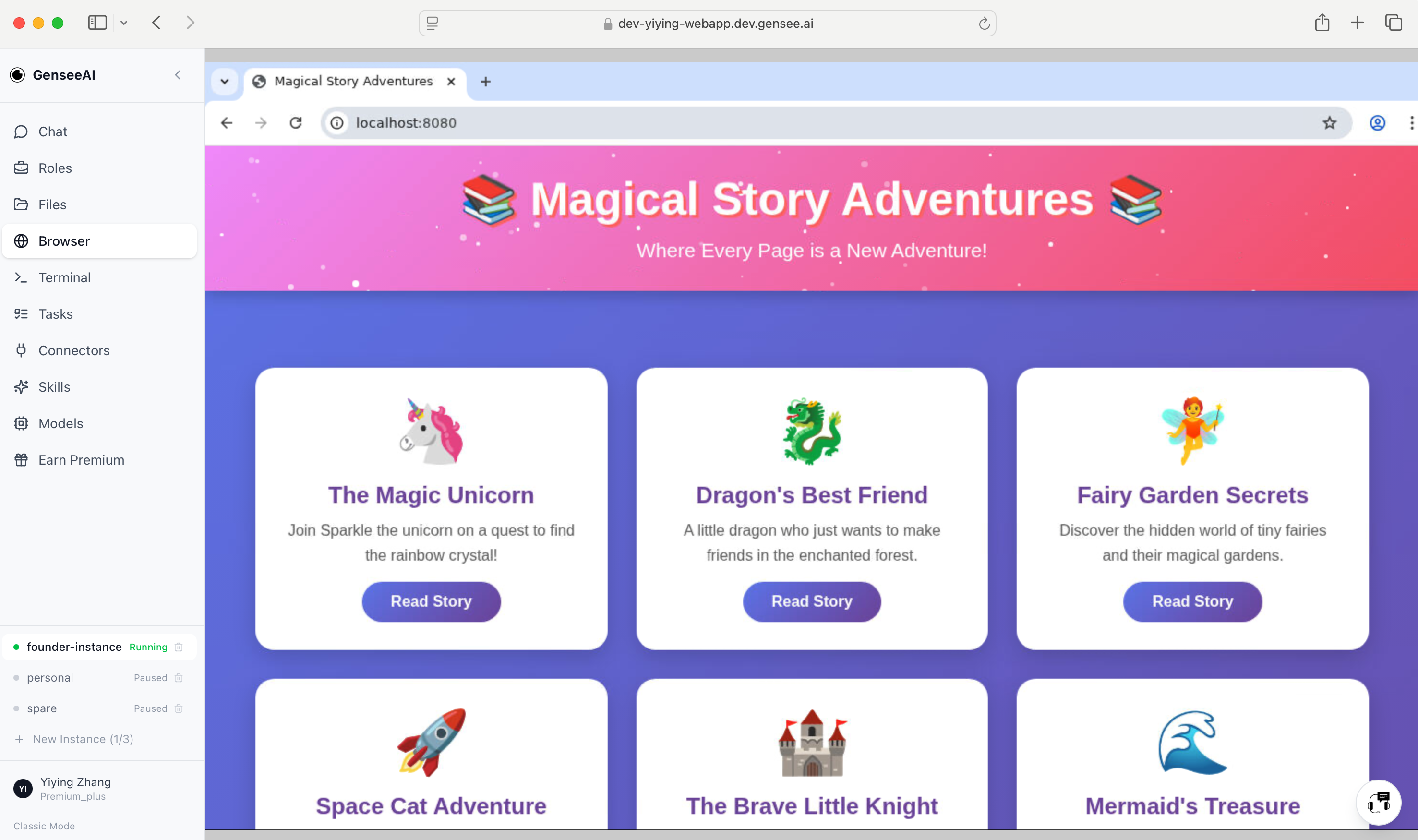
Desktop also becomes cleaner and easier to reason about. Guided and Classic labels now make the switch clearer. Guided View is positioned as the easier, personalized-agent UI. Classic View remains the original OpenClaw-style UI for users who want that workflow.
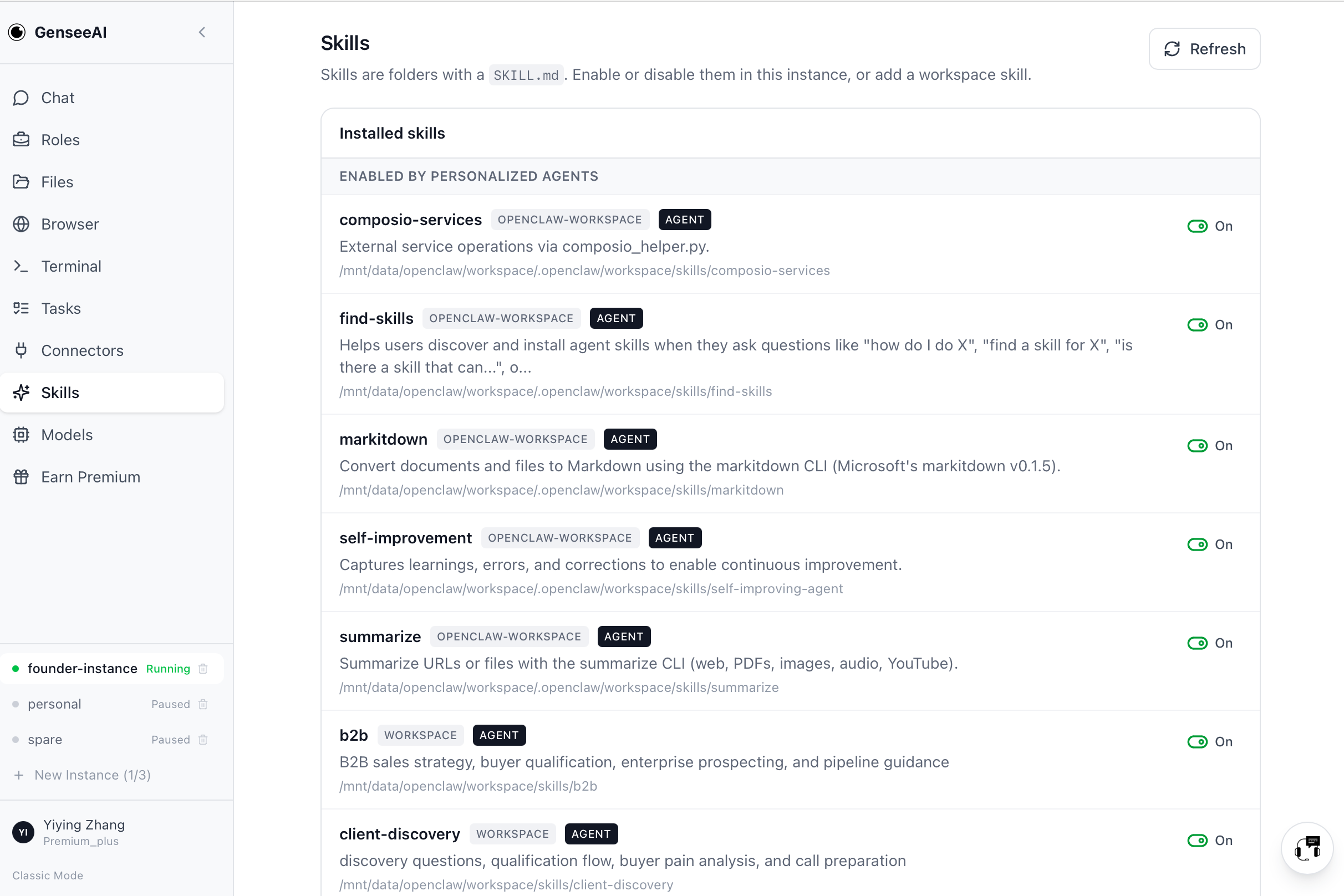
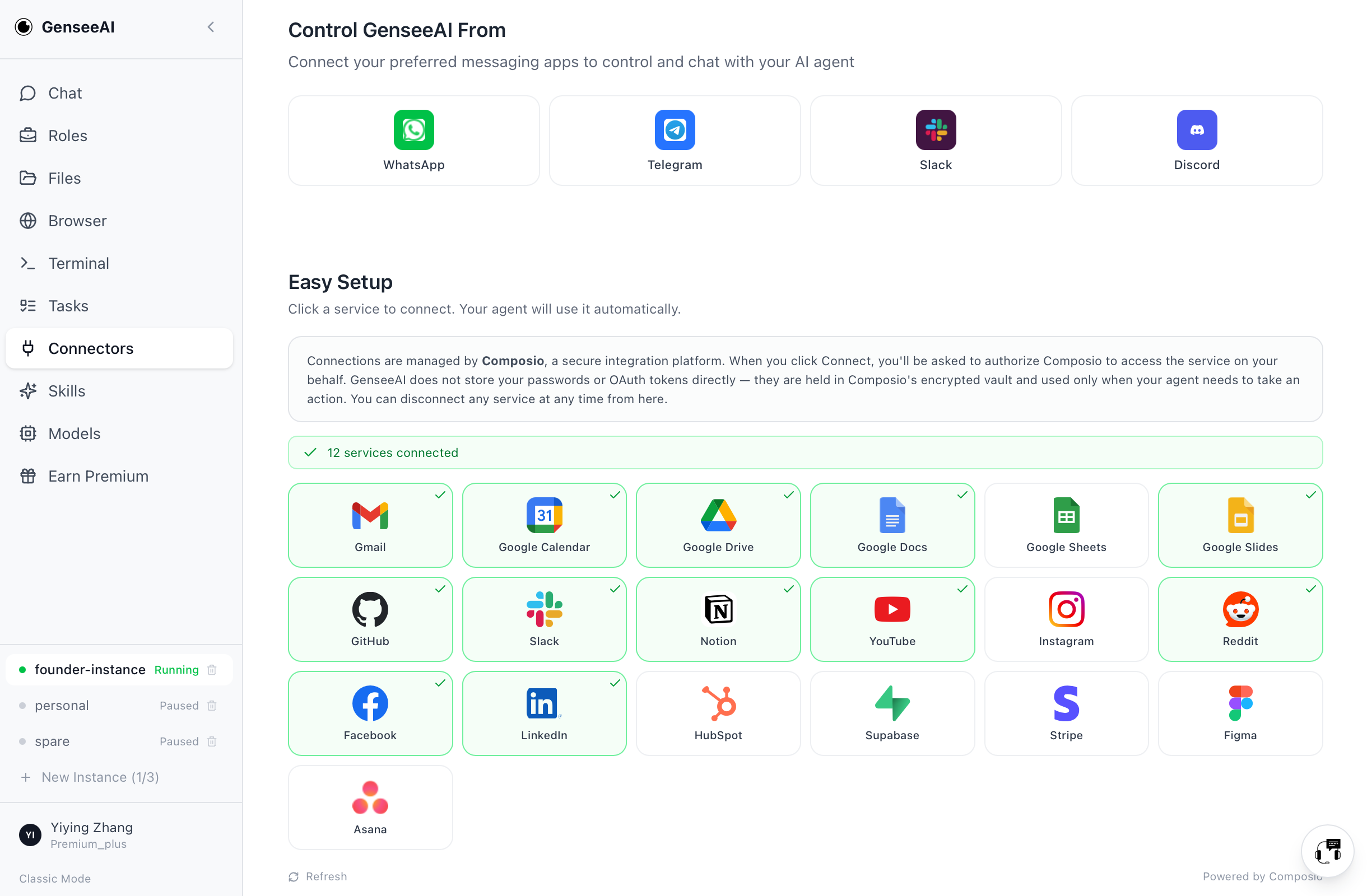
We also added better visibility for installed skills in Guided Mode, including enable/disable controls, add-skill flows, GitHub skill installation, and SKILL.md upload. Desktop Guided Mode also now includes the same Intercom support entry point as Classic View.
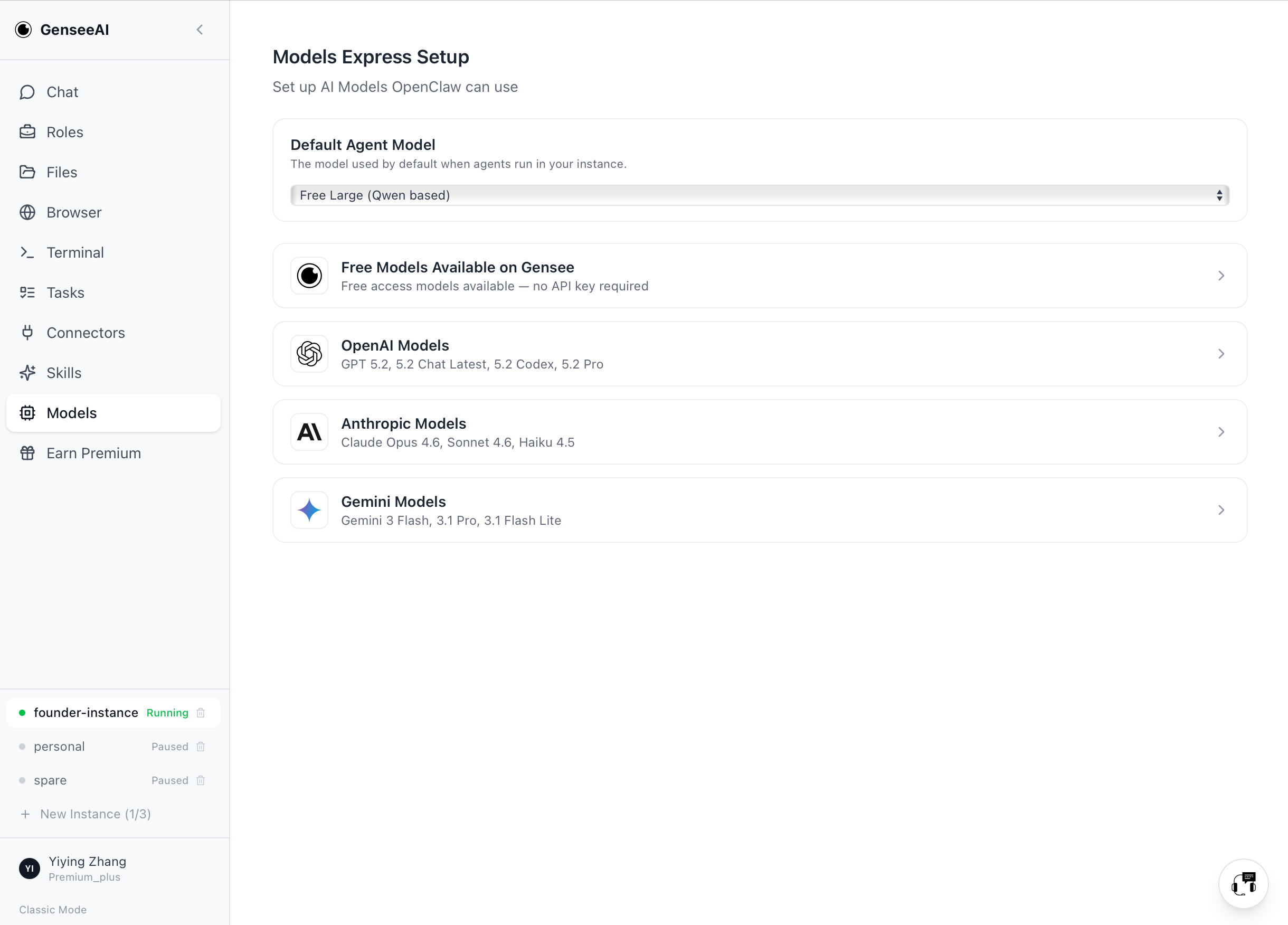
In other words, the new experience is not simply "prettier." It is more complete and more operationally usable.
Classic Mode stays
It is important to say this clearly: Guided Mode does not replace Classic View for users who want the original OpenClaw workflow.
Desktop still supports switching between the two with the button at the bottom left. We know some users prefer the more direct OpenClaw-native experience, and we are not removing that.
Try Guided Mode
If you tried GenseeAI before and found it too technical, too fragmented, or too hard to stick with, this update is for you.
Guided Mode makes it easier to get started, easier to stay in flow, and easier to use GenseeAI as an actual workflow system rather than just a chat tool.
And if you prefer the original OpenClaw-style workflow, Classic Mode is still there on desktop.
We're excited to see what people build with it.