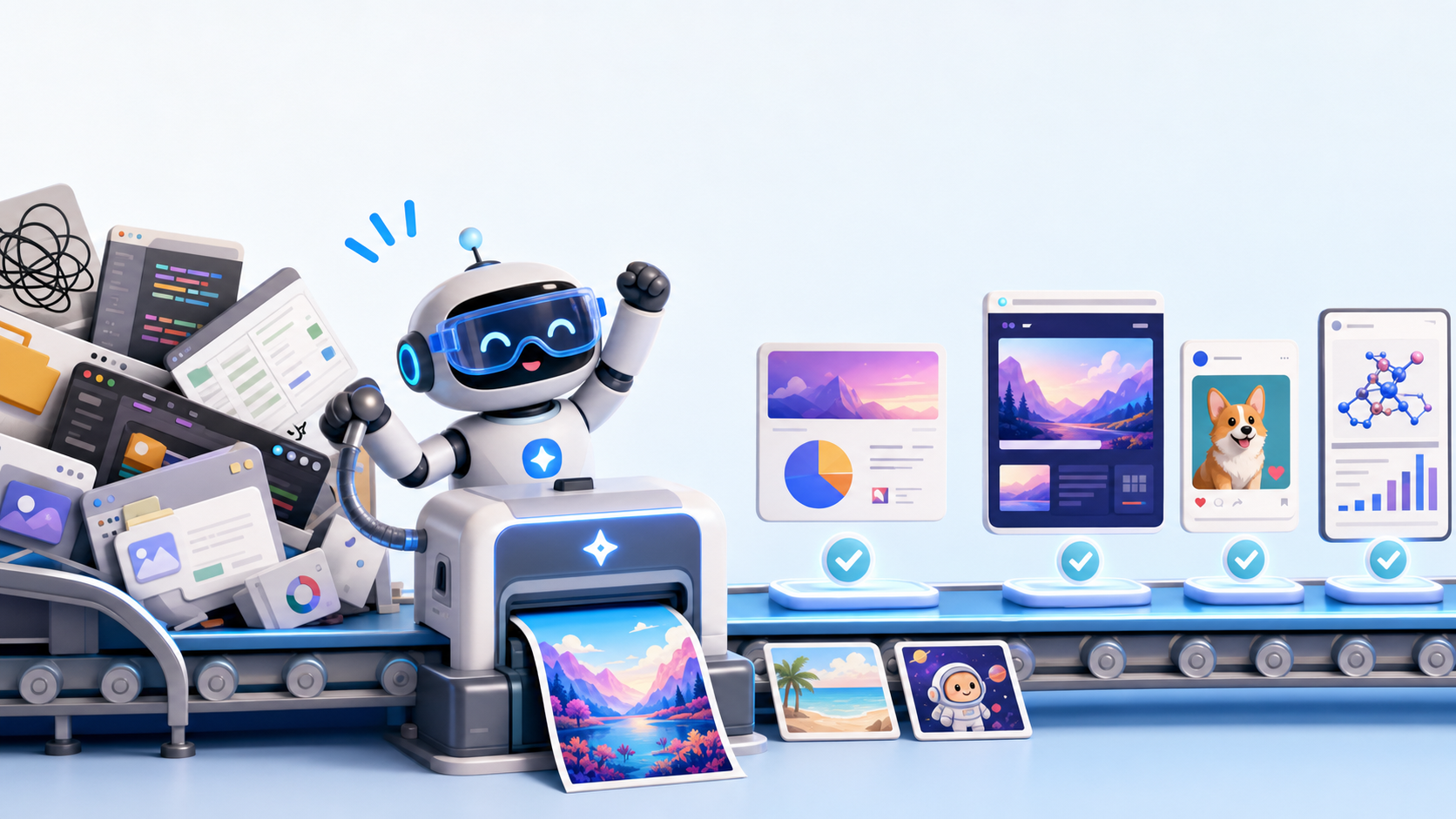
We've added image generation to GenseeAI. You can now bring your own API for image generation and use it directly inside the workflows you already run on GenseeAI.
This is something we built based on user feedback.
A lot of users were already using GenseeAI for content creation, presentations, website-related tasks, and other workflows where visuals matter. The missing piece was obvious: people could structure the work, generate the copy, build the HTML, or prepare the deck inside GenseeAI, but when it came time to make images, they still had to leave the workflow, open another tool, generate assets there, then bring everything back manually.
That extra back-and-forth was slowing things down. So we fixed it.
What's new
With this update, you can now:
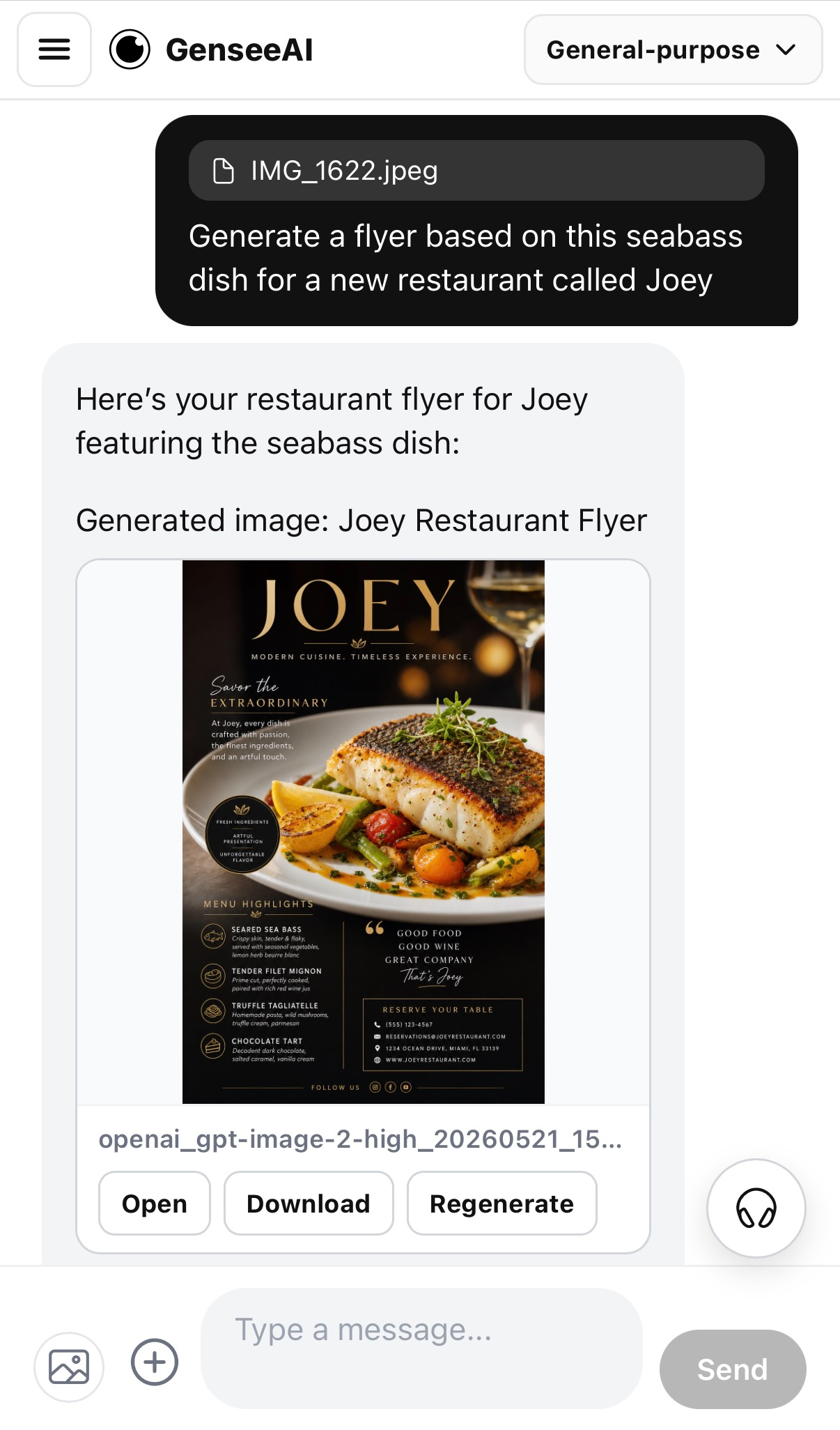
- generate images directly inside a GenseeAI workflow
- preview results right away
- choose the image model
- adjust size and quality based on the output you need
- keep image generation connected to the task history and context
- supported in both OpenClaw and Hermes instances, and works across desktop and mobile
This gives you much more control over how image generation fits into the work you are already doing, whether you care most about speed, output quality, or usage efficiency.
Why this matters
The biggest improvement here is that you no longer need to break the workflow to do it.
Instead of drafting in GenseeAI and generating visuals in another tool, you can now keep image generation inside the same working environment.
That makes the whole workflow more powerful and smoother to use.
More importantly, image generation is not treated like a disconnected side tool. It can stay connected to the history and context of the task you are already working on. That means the image step becomes part of the workflow, not a detour away from it.
Try it in workflows that already need visuals
This becomes especially useful in workflows where images are part of the output, not just an extra asset on the side.
1. Automate slide generation
If you are building a slide deck inside GenseeAI, you can now generate visuals as part of the same process instead of stopping midway to use another tool.
From outline to content, visuals, preview, and final deck, all in one connected workflow.
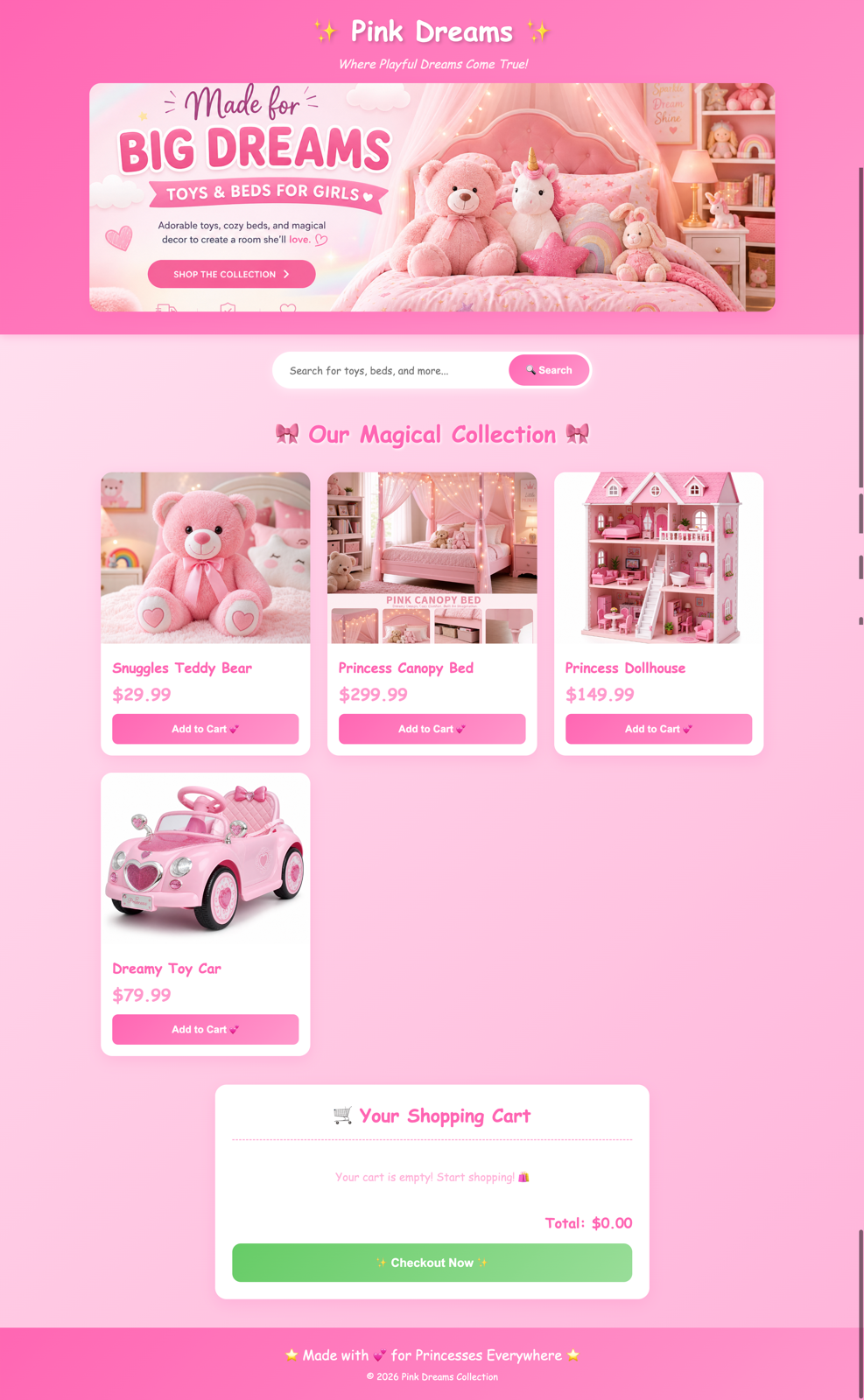
2. Add more visuals to your website
If you are using GenseeAI for website building or HTML-based workflows, image generation now makes it easier to create visual assets without leaving the same environment.
Instead of switching tools and manually reconnecting everything, you can keep the page-building process moving in one place.
3. Generate content for socials
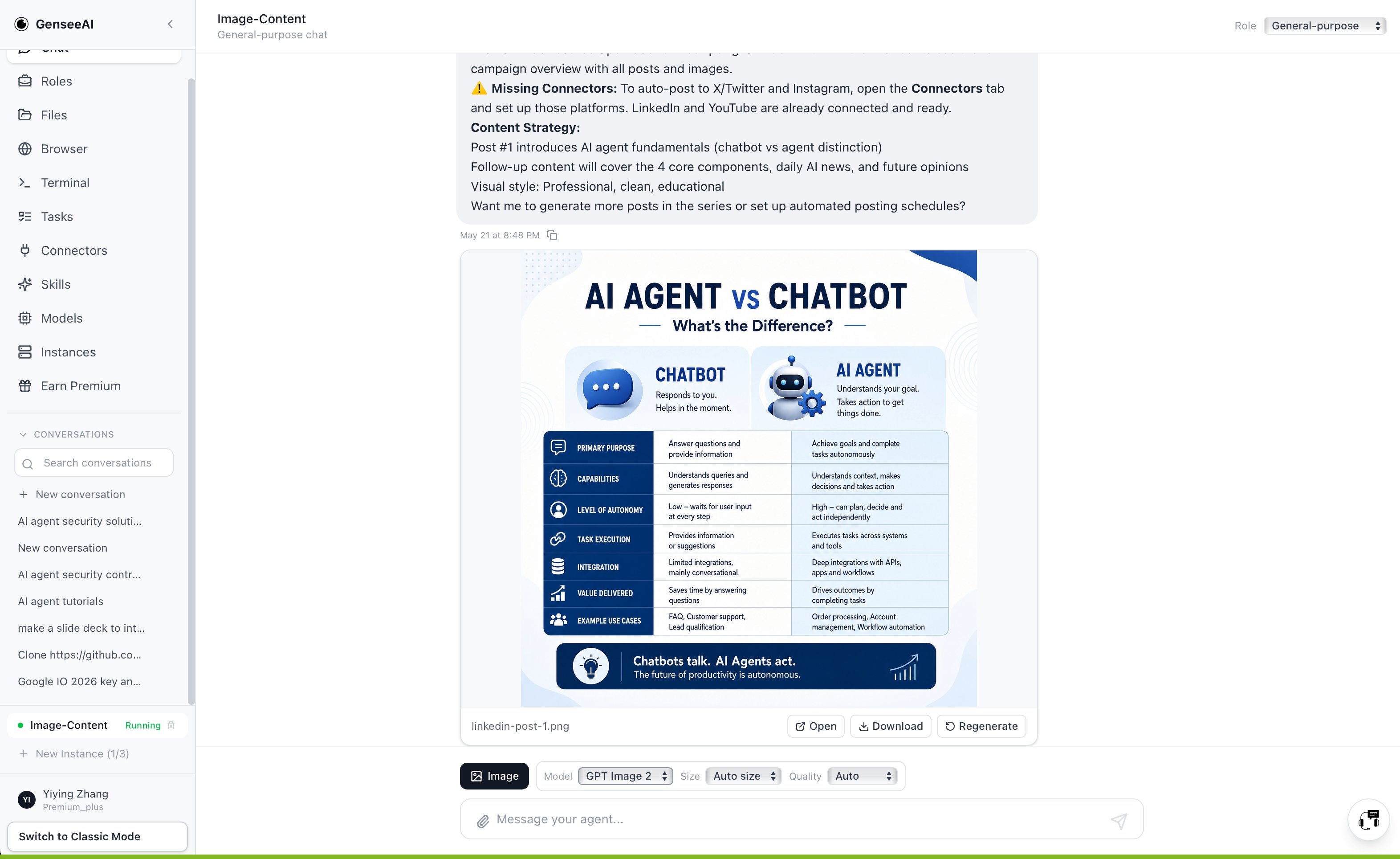
For social media workflows, text and visuals often need to be created together.
Now you can generate both in the same broader flow, which makes GenseeAI much more useful for post creation, campaign experiments, and visual content drafting.
4. Generate figures for research reports
If you are building a research report in GenseeAI, image generation can now help create figures and visuals as part of that same process, instead of forcing you to jump into a separate image tool halfway through.
5. Try image-to-image workflows like virtual try-on
You can also use image-to-image flows in GenseeAI.
For example, upload a product image, like a jacket, together with a model image, and generate a virtual try-on style result as part of the same workflow.
And likely many more workflows beyond these
Slide creation, website building, and social media posting are just some of the most obvious starting points.
We expect users to find many other ways to use image generation inside their own workflows too.
That is part of the value here: not just one new feature, but one more building block that makes GenseeAI more capable across a wider range of real tasks.
More control where it matters
We also added controls that matter in real use:
- model for choosing how you want the image generated
- size depending on where the image is going
- quality depending on how much output quality or token usage matters for the task
These settings make image generation more practical for users who want better control over both results and consumption.
A more useful GenseeAI
This update fits a bigger product direction for us.
We want GenseeAI to be a place where workflows can stay connected:
- text
- files
- structured outputs
- HTML
- slide decks
- images
The more of that work can happen in one system, the less time users spend jumping between tools, re-uploading files, or rebuilding context.
That is what makes the workflow more useful.
Try it now
If you already use GenseeAI for presentations, websites, content, or other creative workflows, now is a good time to try those flows again with image generation built in.
Bring your own API, generate inside the workflow, preview the result, and keep going.